01 / 04
Close approval in one meeting
Clients decide faster when they see their own room, not a swatch they have to imagine at scale.
Renders use the exact products on the board — what you see, you order.
3D and render generation grounded in real, orderable products.
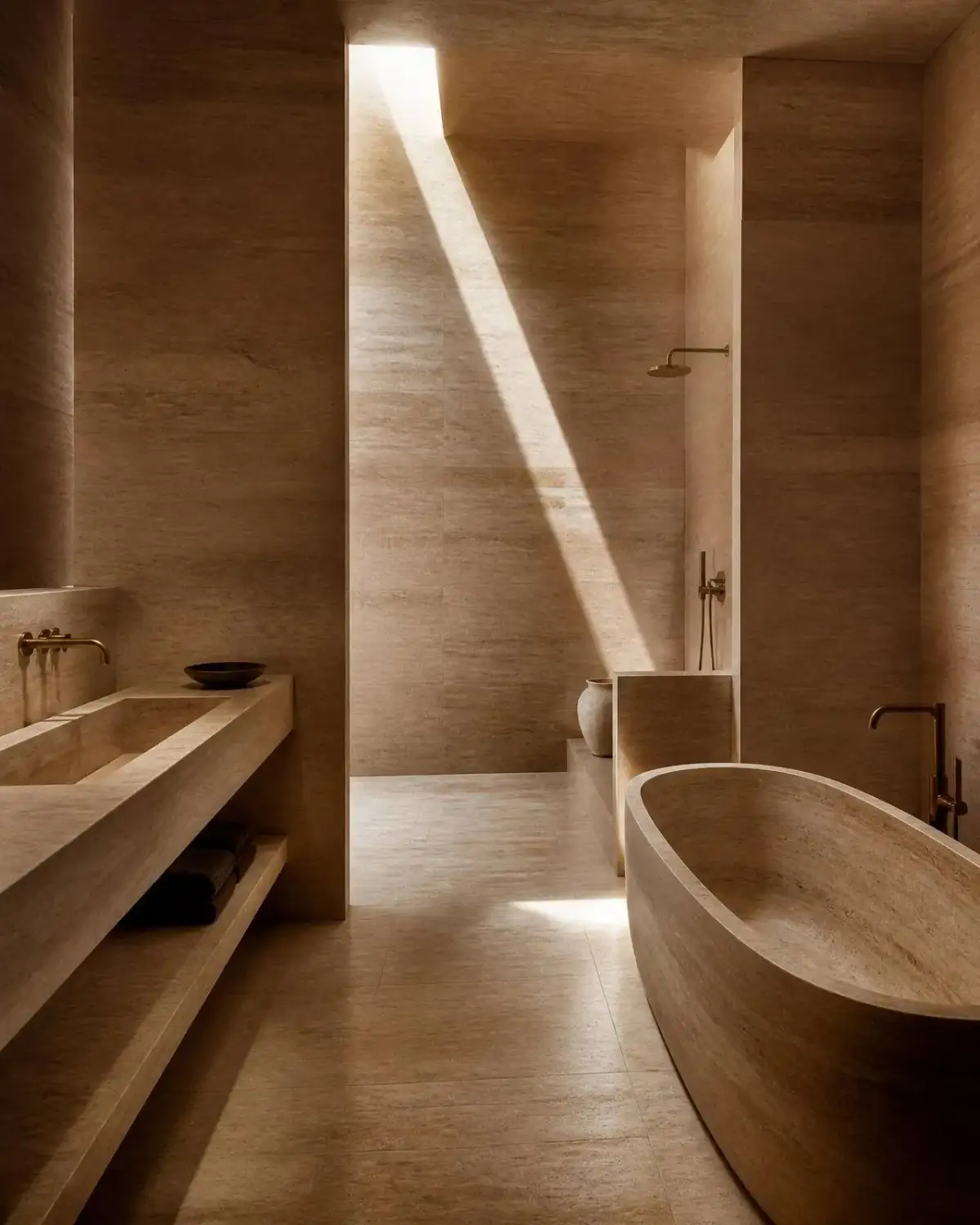
Generate a visualisation of a space using the exact materials you specified — grounded in real catalog products, so every surface in the render is a line item you can order.

Stop losing weeks to indecision — show a client their room in three real, priced finish options and get sign-off in one meeting instead of five.
Clients decide faster when they see their own room, not a swatch they have to imagine at scale.
Renders use the exact products on the board — what you see, you order.
Every surface in the render maps to a real, orderable product with a price and lead time.
Every surface is a line item with a real price and lead time.
Swap a finish and regenerate in seconds, so three schemes cost the same time as one.
Iterate in minutes — explore three finish packages in one meeting.
An approved render converts straight into a priced quote with quantities per surface.
Faster approval — the client decides on a real room, not a swatch.
Choose the finishes once, and everything downstream is already agreed.
See the actual room in minutes, not a mood board the client has to imagine at scale.
Turn an approved image straight into a priced order, with quantities included.
A beautiful render that cannot actually be ordered wastes the client's excitement and your studio's time. 3D generation here is grounded: the surfaces in the render map to catalog products with codes, finishes, prices and lead times, so the picture is also a specification.
Cutting the number of revision rounds is what actually shortens the path from concept to signed-off scheme, and clients approve what they can see. Generating the same room in three finishes — and being able to say exactly what each one costs — turns a long deliberation into a decision in one meeting.
Turning a picture into a priced, ready-to-order schedule is what saves the follow-up meeting that a render alone would need. The visual, the schedule and the number all describe the same thing.
Visualise the scheme with the exact tiles, sanitaryware and worktops on offer.
Present room types in alternative palettes with costed differences.
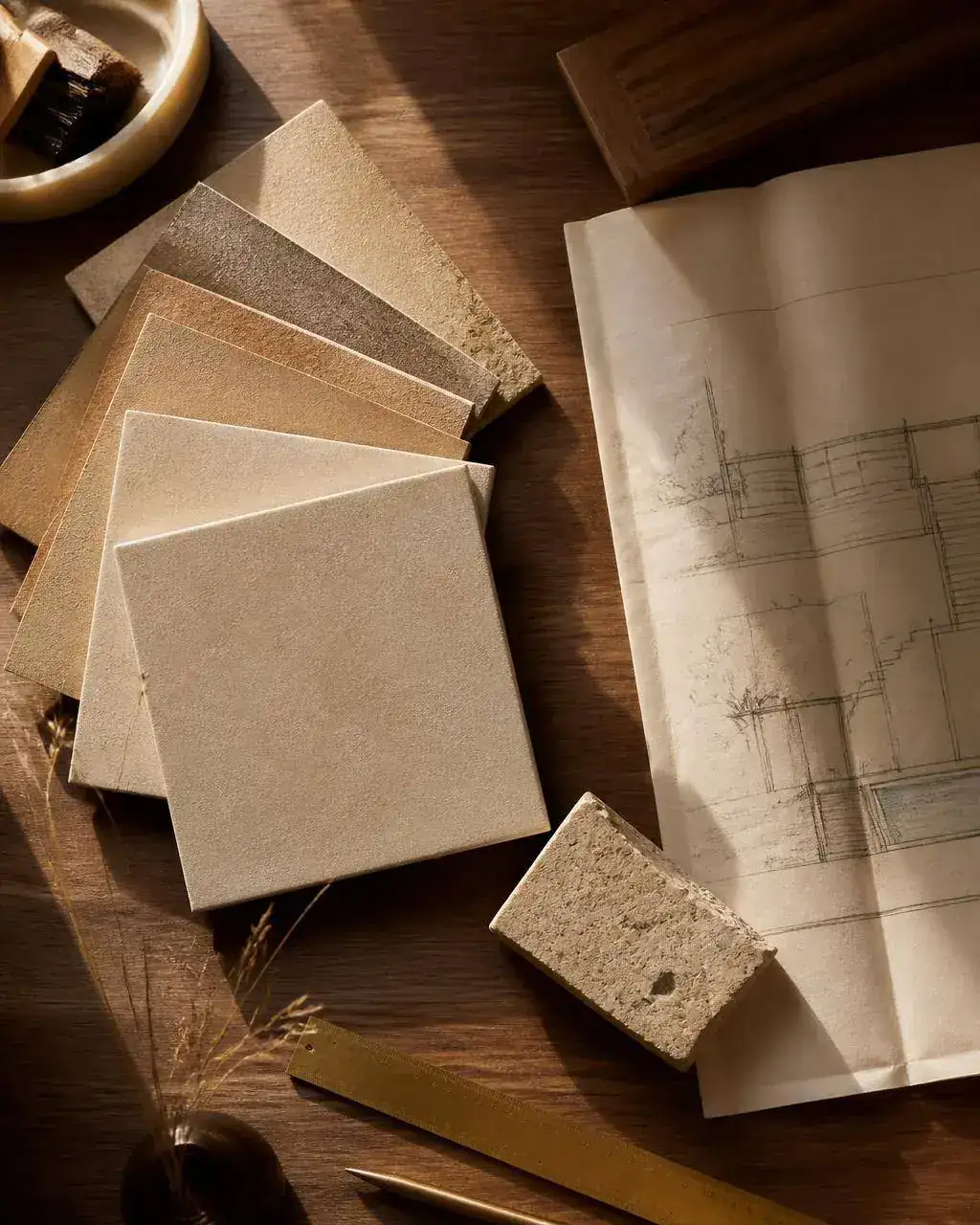
Show a customer their own room in the material they are holding.
3D and render generation grounded in real, orderable products.
Yes — visualisations can be generated from a plan or from an existing space.
Generic tools invent materials. Here the render is built from catalog products, so every surface has a code, a price and a lead time.
Yes — start from a site photo and re-surface it with candidate materials.
Typically a couple of minutes, which is fast enough to iterate live with a client.
Yes, images export for presentations and attach to moodboards, projects and quotes.