01 / 04
Presentations that close, not just impress
Every image is a real, priced product, so a beautiful board is also a working specification.
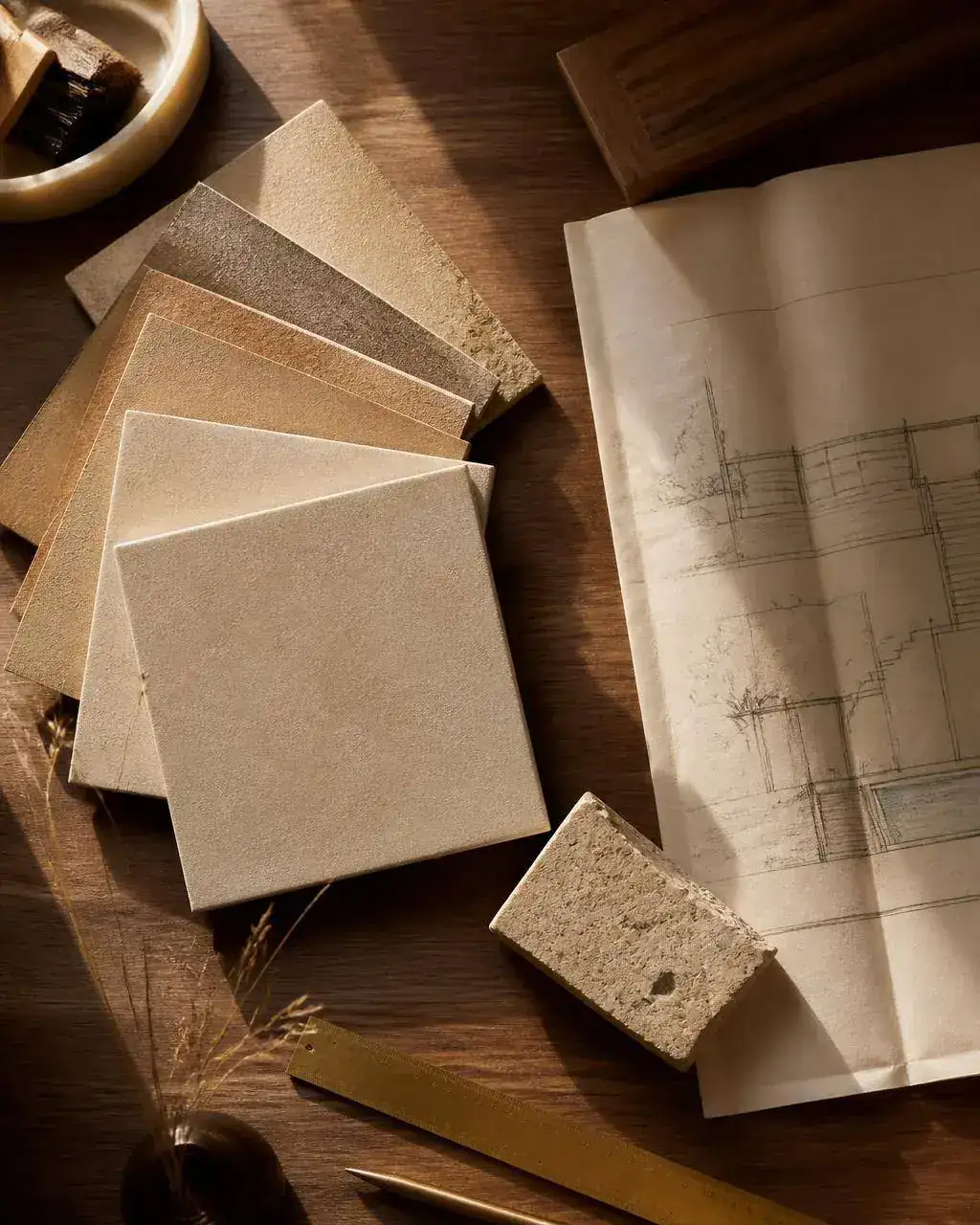
Every tile is a real, orderable product — never a stock image.
Curate materials into a presentation sheet — and turn it into a quote.
Build moodboards from real, sourceable materials. Every swatch keeps its price, supplier and lead time, so a board a client approves converts into a quote without rebuilding anything.

A moodboard a client approves should become an order the same day — here every swatch already carries a price, so approval converts straight into a quote.
Every image is a real, priced product, so a beautiful board is also a working specification.
Every tile is a real, orderable product — never a stock image.
The board totals as you build it, so you never present a scheme that blows the budget.
The total runs live, so cost is known before the client falls in love.
Export in your own branding, so the client experience feels considered, not cut-and-pasted.
Your logo and branding — the board reads as your studio's work.
One click turns an approved board into a formal quote, with nothing re-typed.
One click turns an approved board into a priced quote.
Build a presentation-ready board in minutes, with nothing to design from scratch.
Hand the client a polished, branded document that reads as your studio's work.
Skip the rebuild — an approved board becomes a live quote instantly.
A moodboard that cannot be priced is wasted design time dressed up as a deliverable. It usually stops at inspiration: a nice grid of images that someone then has to translate into products, quantities and prices. In MaterialsHub every tile on the board is a live material record. The board looks like design and behaves like a specification — with codes, finishes, formats and prices attached underneath.
Winning approval fast keeps a project moving and keeps you ahead of the next studio pitching the same client. The client sees a considered visual story; you keep a working document you can quote from.
Nothing kills margin faster than re-typing an approved scheme into a separate quoting tool. Nothing gets re-typed, and the approved board becomes the reference everyone works against.
Present a scheme per room with real, available materials rather than aspirational images.
Share alternatives, collect comments and lock the approved version.
Build the board live with the customer in front of you and email it before they leave.
Curate materials into a presentation sheet — and turn it into a quote.
Yes — moodboard exports carry your own logo, colours and contact details.
Boards reference live catalog prices, so you can refresh a board before re-quoting.
Yes — logo, colours and contact details, so the board goes out as your document.
Yes. Share a link, collect comments per item, and keep a versioned record of what was approved.
Yes, you can add custom items and images alongside catalog products.
Yes — approved boards push their items into a quote with quantities and pricing.