01 / 04
Never miss what needs attention today
Revenue, pipeline and outstanding work are visible the second you log in, not buried in reports.
Leads with what needs a decision today, not a raw table.
Insights, latest materials, profiles and factories the moment you log in.
The dashboard is the home screen of the workspace — business insights, newly added materials, supplier profiles and factories, and shortcuts into whatever you were doing last.
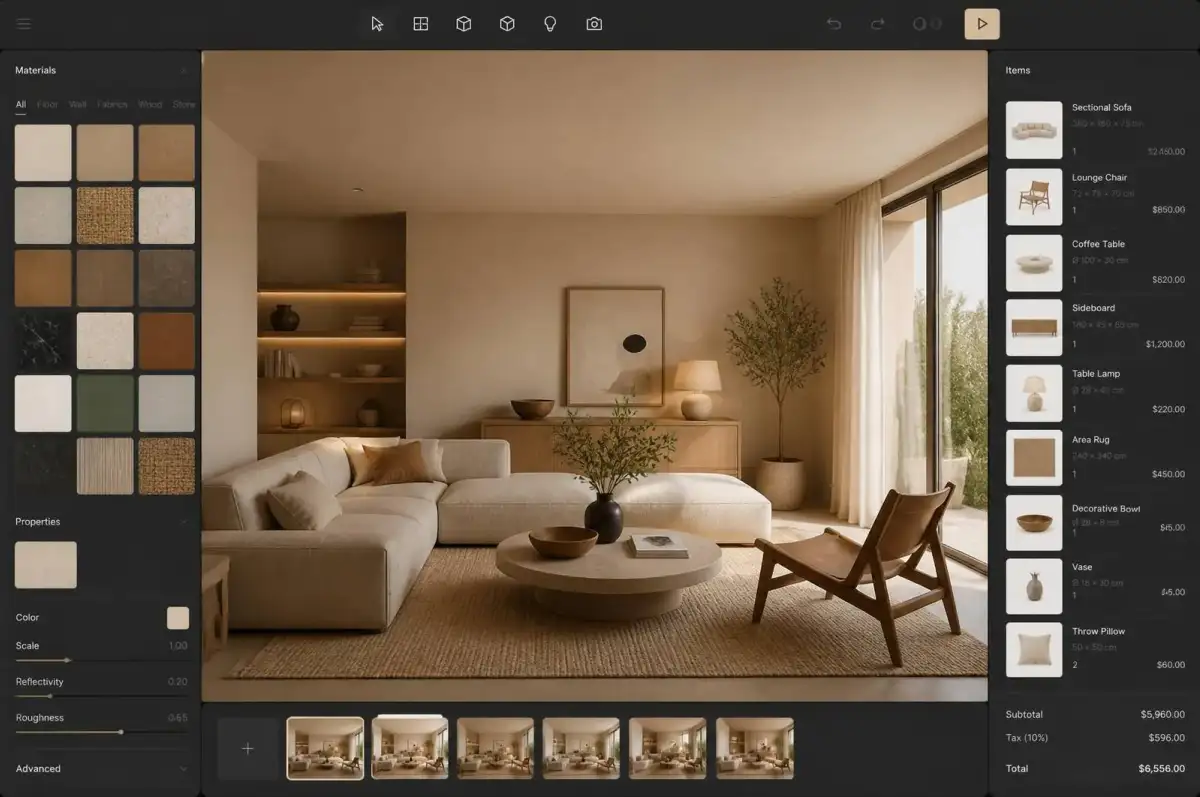
Log in and see exactly what needs a decision today — overdue invoices, stalled quotes, at-risk deliveries — instead of piecing it together across five screens.
Revenue, pipeline and outstanding work are visible the second you log in, not buried in reports.
Leads with what needs a decision today, not a raw table.
See newly added materials the moment they land, before a competitor specifies them.
New materials surface automatically — specs stay current.
Fresh company and factory profiles surface as sourcing options you didn't have last week.
New supplier profiles appear as options you didn't have last week.
Jump straight back into the exact project or quote you were working on, no hunting required.
Draft quotes and open projects are one click from resuming.
Know where the business stands the moment you open the laptop.
See what needs a decision today, without digging through five screens.
Get straight to work on the exact record, with no hunting required.
Chasing information across five different places is time a director or a salesperson does not get back. The dashboard puts the numbers that need a decision today in one view.
Catching a quote that has gone quiet or a delivery at risk early is what keeps it from turning into a lost sale or an angry client, so rather than vanity charts, the dashboard leads with items waiting on you: quotes that have gone quiet, deliveries at risk, invoices past due, requests unanswered.
Getting from a number to the underlying record quickly is what turns a dashboard into decisions instead of a report nobody acts on. See three overdue invoices, click through, and you are in the record — the dashboard is the way into the day's work, not a report about it.
See pipeline, cash and delivery risk in a single morning check.
Work the list of open quotes and unanswered requests.
Track receivables, ageing and issued documents.
Insights, latest materials, profiles and factories the moment you log in.
Yes — the panels adapt to the modules your workspace uses.
Yes — sales, finance and delivery see the metrics relevant to their work.
Yes, it reflects the current state of quotes, projects and invoices.
Yes, for reporting or your accountant.